FumadocsZerynth Docs

Changelog

November 2025

Zero AI Copilot

We are excited to announce the beta release of the Zero AI Copilot, an AI-powered assistant integrated into the Zerynth platform. It is designed to enhance user experience by providing intelligent assistance in navigating and utilizing the platform's capabilities, making data analysis and report generation more accessible.

It is accessible via the new homepage or through the sidebar in any app. Zero AI Copilot
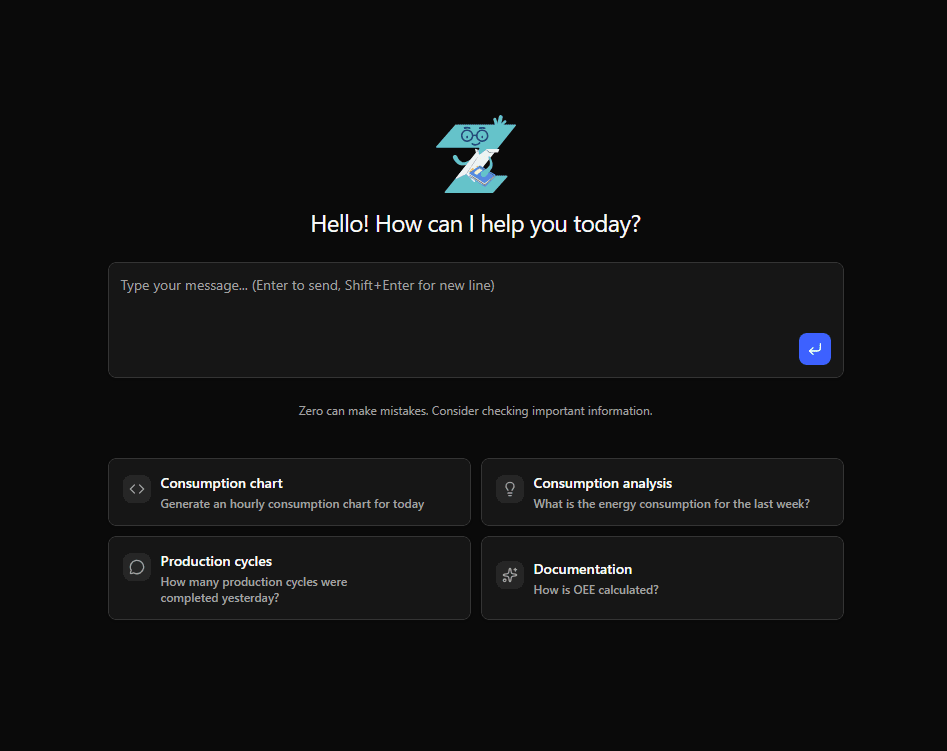
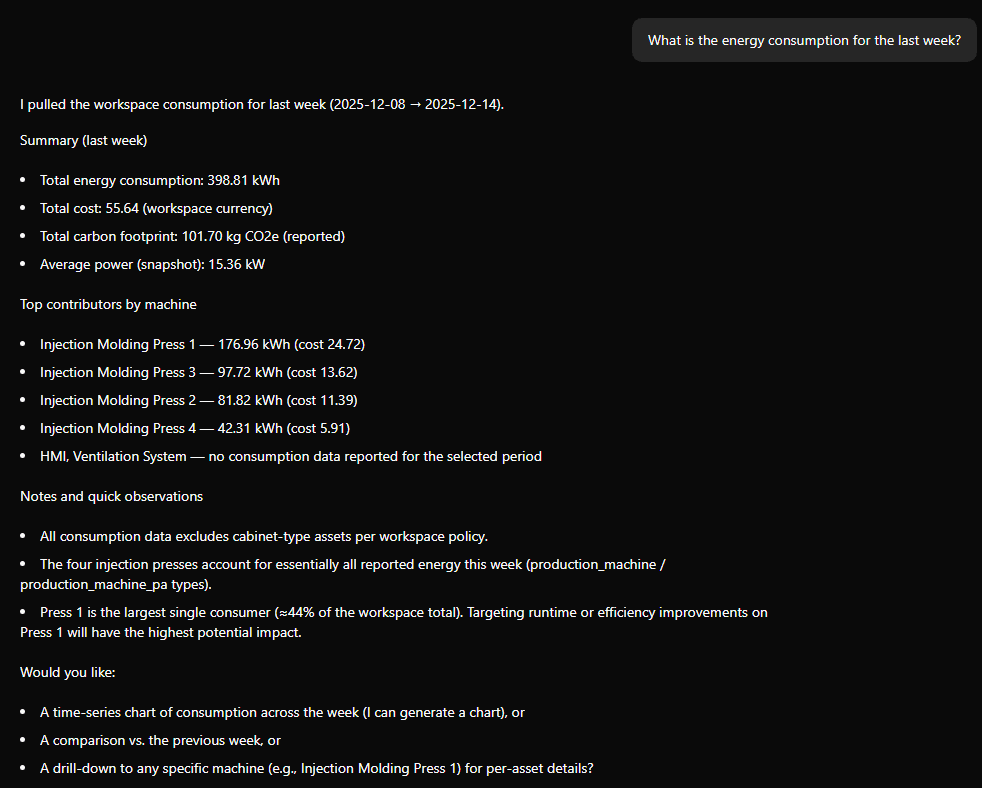
It can help with tasks such as:

  • Generating reports based on machine data.
  • Answering questions about machine performance and status.
  • Providing insights and recommendations based on data trends.
  • Open support tickets and guide users through troubleshooting steps.
  • Navigating the Zerynth platform and apply filters on dashboards.
Zero AI Copilot

API Key usage

API keys now display their last used date, allowing users to track when each key was last utilized for enhanced security and management. API Key Usage

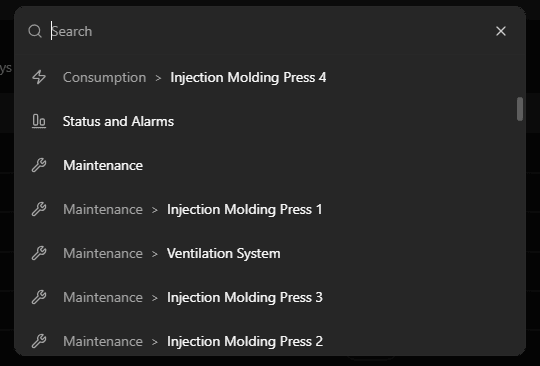
A global search feature has been added to the platform, enabling users to quickly find their machines and data across all apps. You can access the search bar from any page by clicking on the magnifying glass icon in the top-left corner (or by pressing Ctrl/Cmd + K). Global Search
New sidebar

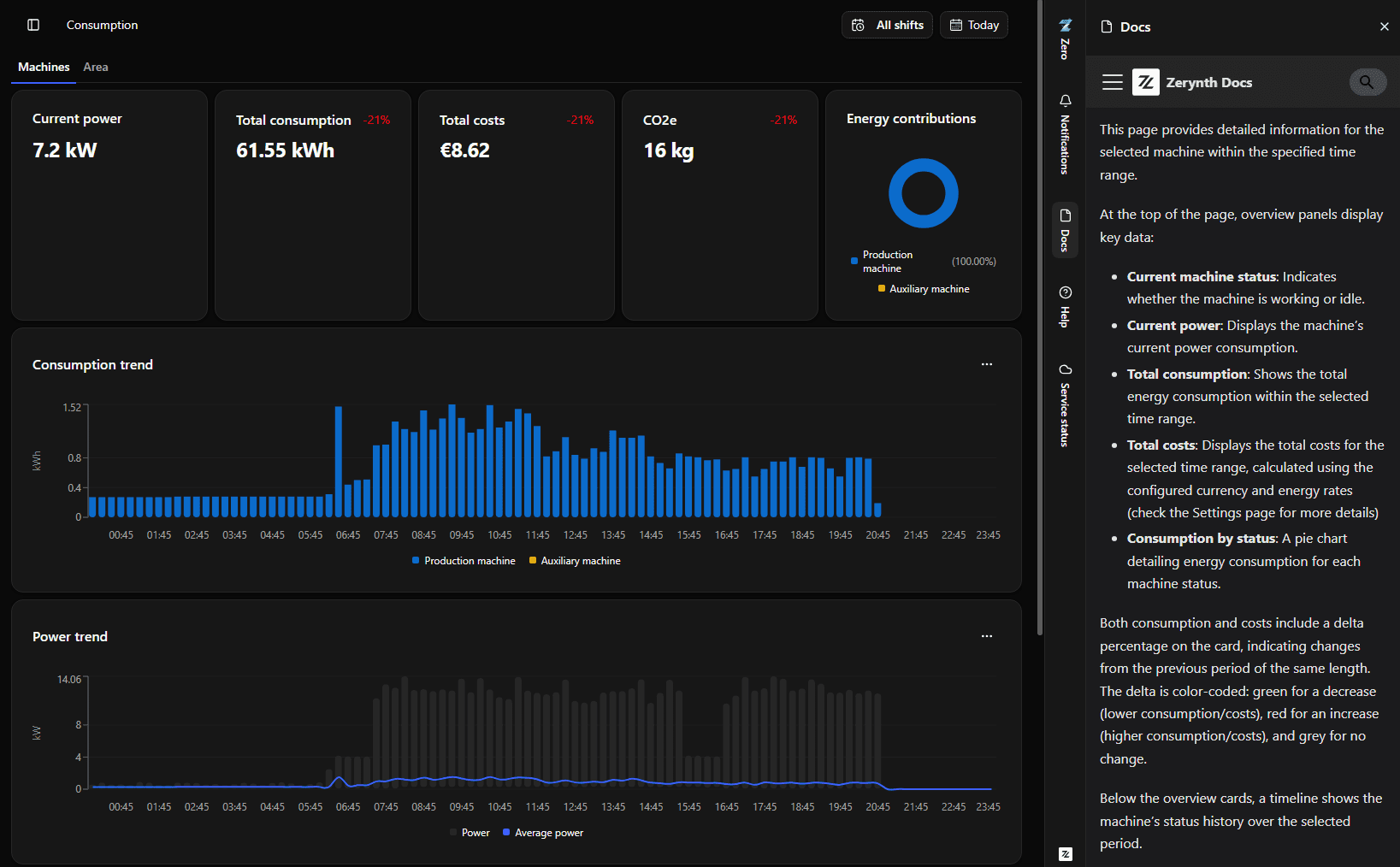
A new sidebar at the right of the screen provides quick access to important resources such as Zero AI Copilot, documentation and support. New Sidebar
June 2025

Work Orders Management

We've introduced a new app called Work Orders Management, designed to streamline planning, tracking, and analysis of work orders in industrial environments. It provides a comprehensive overview of work orders, allowing users to manage tasks efficiently and gain insights into operational performance.

Production Insights

  • Products Overview: We've introduced a new section in Production Insights, showing all products in a single view, in the workspaces that have the Work Orders Management enabled.

UI & Experience

  • Uniform Icons: Icons are now consistent across all sections of the web app, enhancing visual coherence and user experience.
  • UI Polish: Multiple minor UI bugs have been fixed to improve visual alignment, layout responsiveness, and interactive feedback.

Data Exports

  • CSV Export Improvements: Timestamp formatting in CSV exports has been fixed for better compatibility with Excel and similar tools.
  • Restore Export Actions Colors: Color indicators in export-related actions have been restored for easier status recognition.

Maintenance & Tables

  • Maintenance Table Fixes: We resolved issues related to duplicated names in maintenance tables for cleaner records.

API & Backend Improvements

  • Improved Error Handling: API endpoints such as Shift Update now return clearer error messages and more robust responses.
  • Webhook Form Fix: We corrected the form field for selecting event types in webhooks, preventing misconfiguration.
  • Energy Meter API Fixes: Addressed rounding inconsistencies to ensure more precise energy data reporting.
  • Products List Stability: Fixed a bug causing the API to break when an empty product ID was encountered.
  • Historical Data Retrieval: Improved the reliability of the Zero Copilot Historical Data retriever module.

April 2025

Multiple Maintenance Plans

You can now define and manage multiple maintenance plans per asset, making complex maintenance schedules easier to handle.

Instant CSV Exports

Export your charts and tables in CSV format instantly, making it easier to share and analyze. The exported files are filtered based on the current view, so you get exactly what you need.

Reports & Metrics

  • Cycle Info in Reports: Maintenance Reports now include the number of cycles left for all maintenance plans.
  • Working Time Precision: We improved the accuracy of Working Time values for better precision.

Enhancements

  • Improved Cycle Times Optimizer: We've updated the algorithm for the automatic cycle time calculations, making it more efficient and accurate.
  • Device Job Plugin: We updated the Device Job plugin in Custom Dashboards with a better UX for the selection input.

Fixes & Stability Improvements

  • Current Power: We fixed the Current Power metric to ensure it displays correctly and consistently with the other metrics.
  • Login Page Fixes: Crashes due to locale parameters and loading issues have been resolved.
  • Alarms Handling: We fixed some wrongly displayed labels and alarms visibility in the dashboard.
  • Export Issues: We've resolved some issues with data exporting operations.
  • Layout & UI Fixes: We've resolved some general layout bugs and improved lists UI for readability.
  • Maintenance Data Accuracy: We've ensured that maintenance data is more reliable than ever.

February 2025

Machine Monitoring Improvements

  • Table View for Status and Alarms: Tired of deciphering complex charts? Our new table view presents machine states and alarm times in an easy-to-read format.
  • Average Utilization Rate: We added the Average Utilization Rate metric to the Status and Alarms Dashboard for better performance insights.
  • Energy Meter Support: We expanded compatibility to include support for energy meter manufacturer, model, and serial number information.
  • Electrical Panel Compatibility: Got electrical panels without output lines monitoring? No worries! We've got them covered too.

Production Insights Enhancements

Say hello to the new timeline chart! Visualize operations and machine activities over time, to better understand your production process.

Reports Management

We've all faced the frustration of failed reports. Now, you can delete and retry them with ease.

Maintenance API Enhancements

Our Maintenance APIs have undergone a makeover, enhancing performance and stability.

January 2025

Zero - Industrial AI Copilot

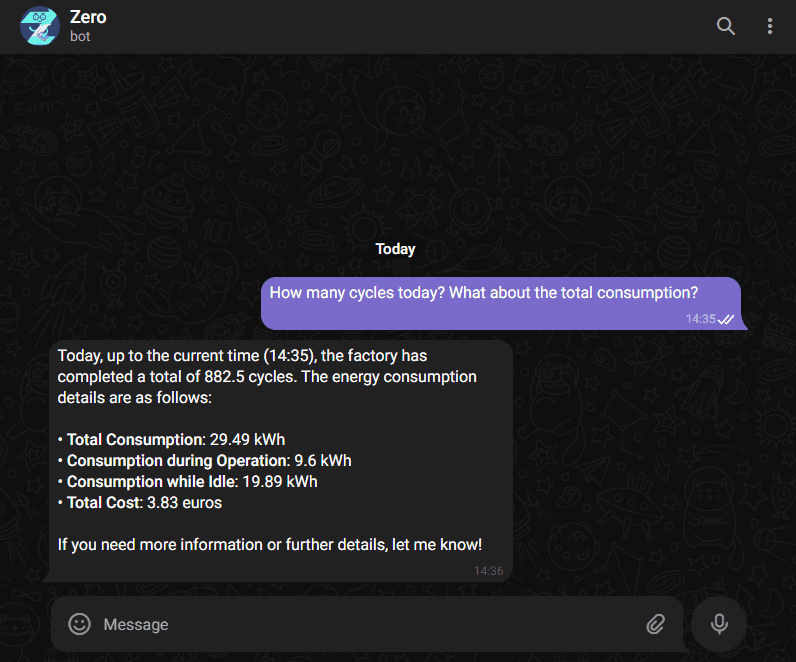
Zero The preview release of Zero, your AI-powered copilot for industrial environments, is here—and it's changing the game. Available now for a select group of users, this first version integrates with Telegram, so you can get real-time updates and chat directly with your copilot. And yes, more integrations are coming soon! Bonus: the setup is lightning-fast, meaning you can be up and running with minimal effort.

Productivity and Monitoring 5.0 Reports

New reports We’ve launched two brand-new reports: Productivity and Monitoring 5.0. Expect better, deeper analytics to help you make smarter decisions faster.
Rules Engine Enhancements

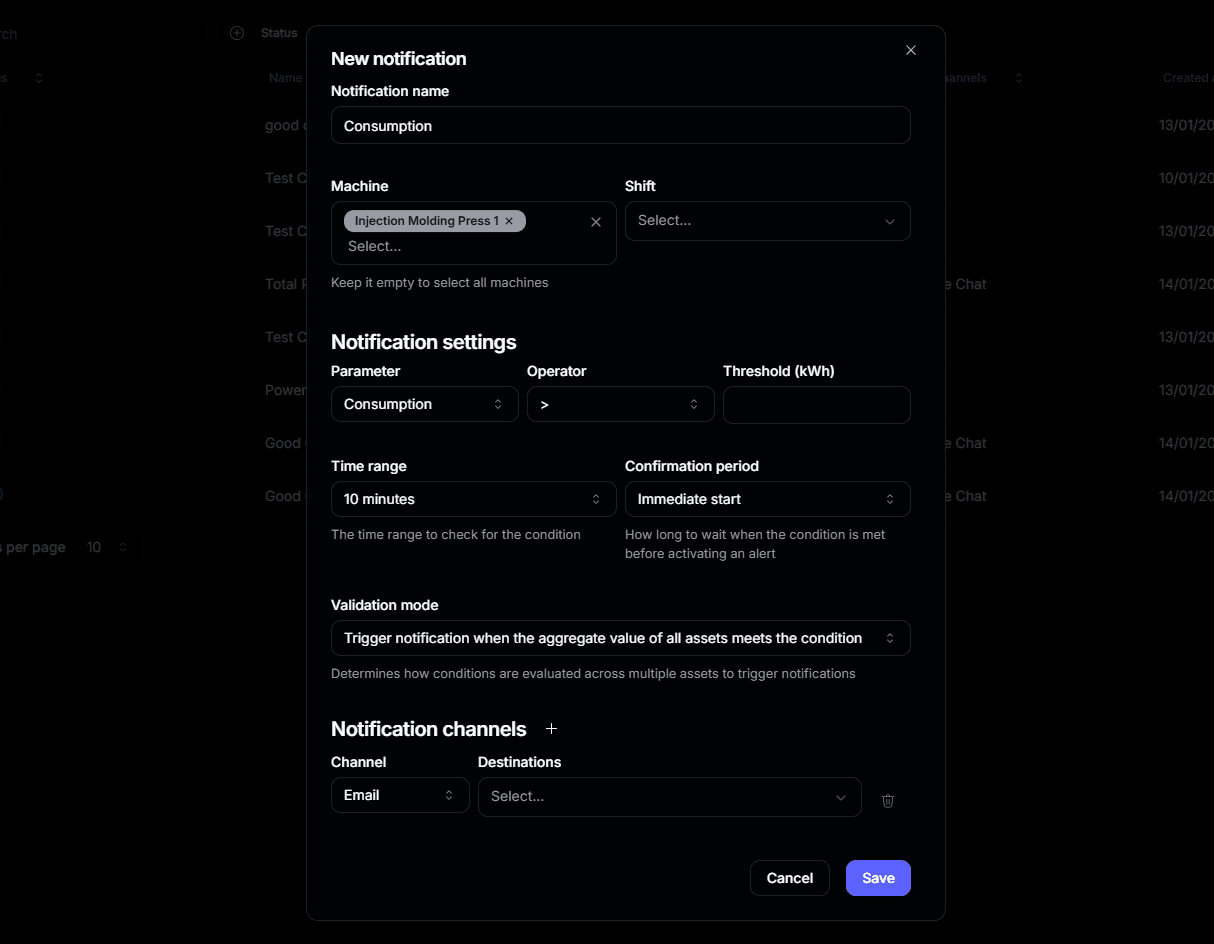
Rules The Rules Engine have been greatly improved! Here’s what’s new:
  • More KPIs
  • Better Consumption rules
  • Multiple validation modes
  • New aggregation functions
  • Multi-asset support
  • Shift and operation filters

UI Overhaul

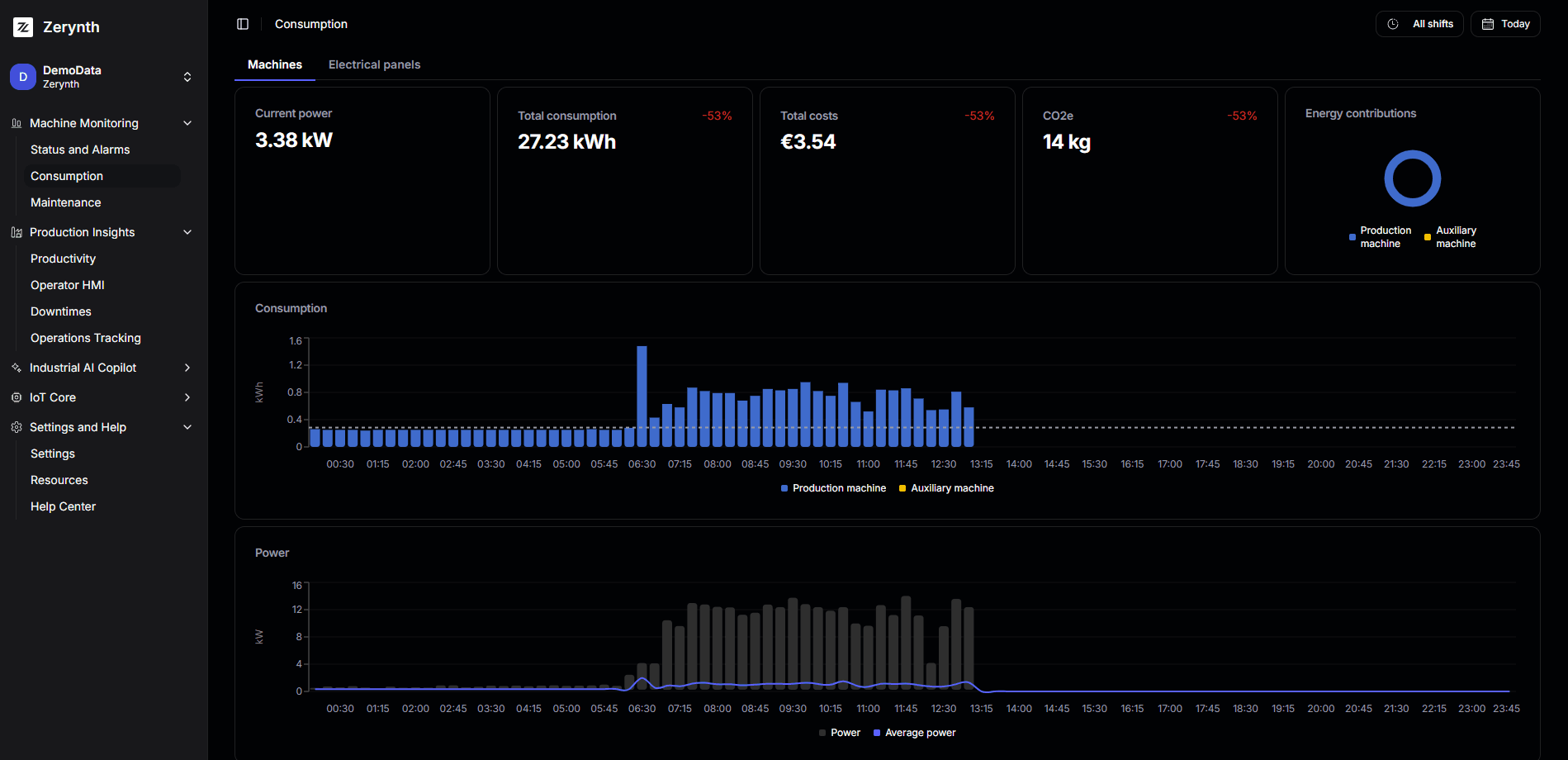
New UI Welcome to a fresh new look! Our interface redesign isn’t just prettier—it’s faster, smoother, and more intuitive. Get ready for an upgraded experience that’s all about performance and ease.
New Login Experience

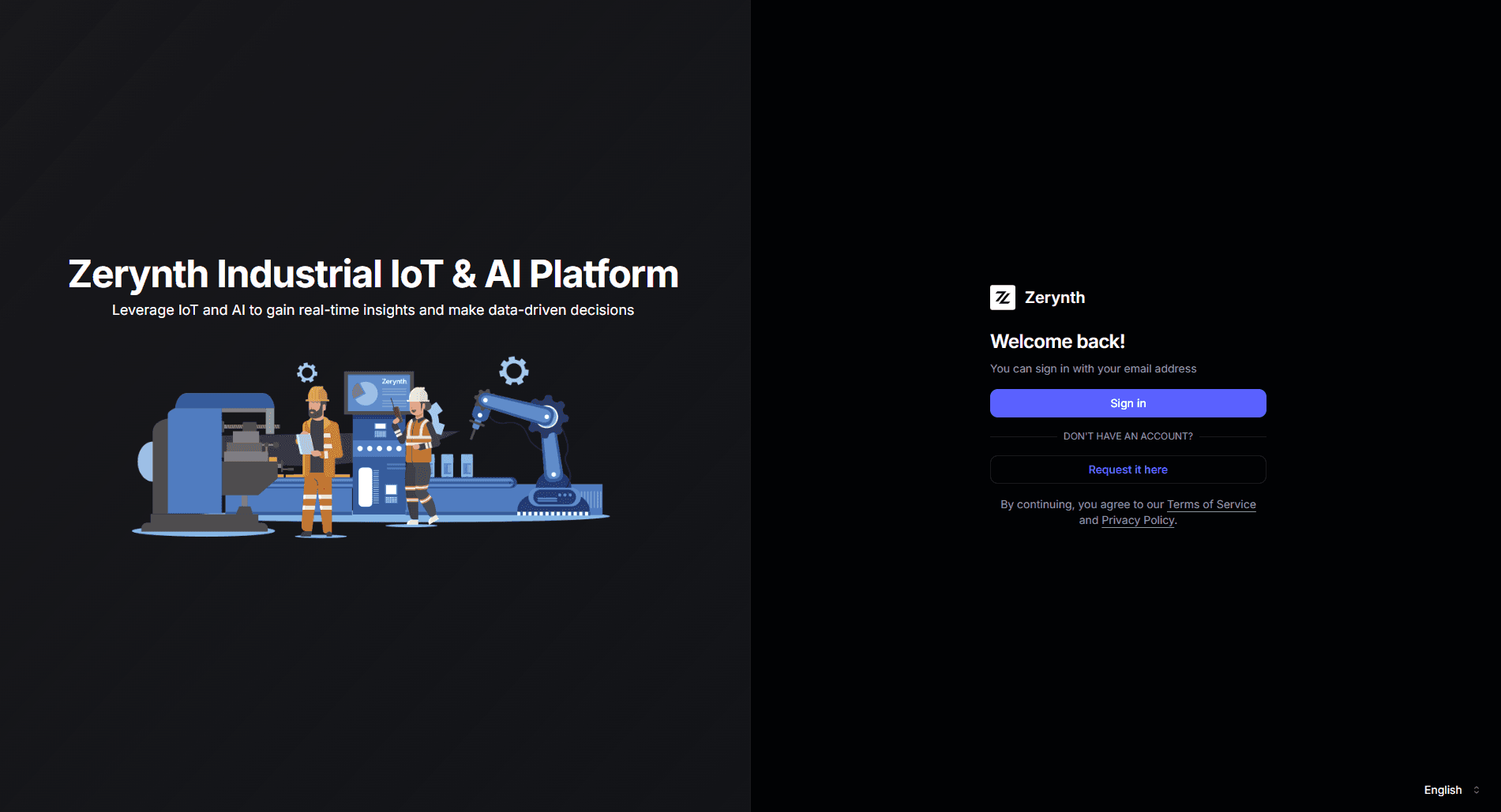
Login Say hello to our sleek, multilingual login page. It’s simpler, smarter, and gets you where you need to be with less friction.

Industrial HMI with Editable Downtimes

The Industrial HMI now lets you edit downtime events directly in the interface. No more being tied to machine status. Manually adjust downtimes as you need, giving you more control where it counts.

Report Template Engine Improvements

The Report Template Engine has been optimized for better performance, delivering:

  • Faster reports generation
  • Improved charts rendering
  • Improved number formatting
  • New CO2e metrics