
Sign In and Sign Up
How to access the Zerynth Industrial AI Copilot Platform and activate your account.
Sign In and Sign Up
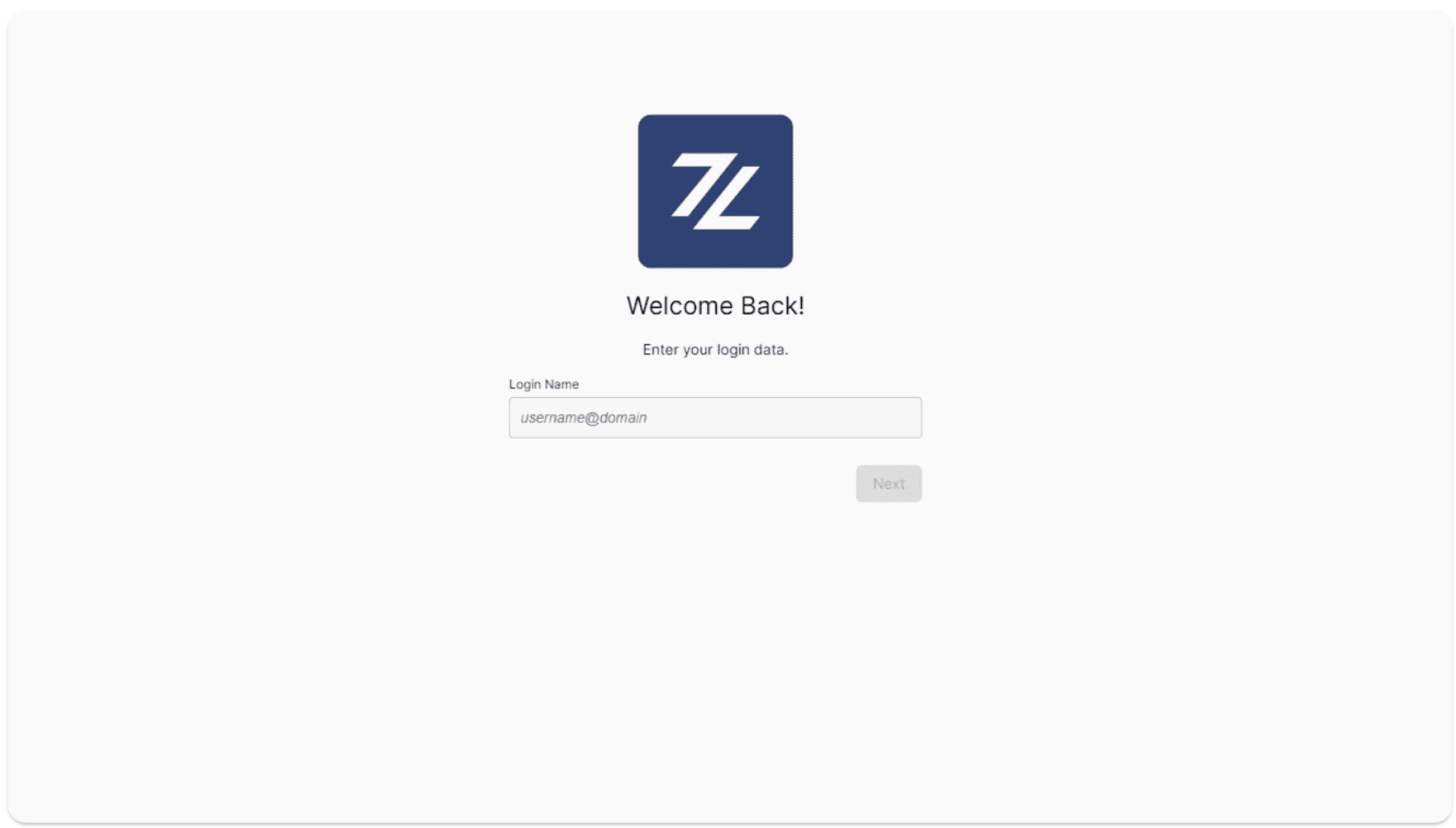
To access the Zerynth Industrial AI Copilot Platform, click Zerynth and log in.
If the account has not yet been configured, or if someone has created the account and you are a new user, you will receive a confirmation email once registration is complete. This email includes your credentials and the activation link required to log in.
- Check your inbox and spam folder: sometimes the confirmation email may be delayed or land in spam/junk. Verify both.
- Use the credentials provided: enter the username and temporary password from the email.
- First login: on first access, you may be asked to change your password. Follow the on-screen instructions.
- Didn’t receive the email? If the confirmation email does not arrive within a few minutes, contact Sales or the Support team for assistance.
Once sign-up or login is completed, you are redirected to the platform home page. You can always return there by clicking the Zerynth logo.