
Operators
Manage maintenance operators for the current workspace.
Operators
The Operators section allows you to manage the list of maintenance operators for the current workspace.
Operators are used to associate maintenance activities with a clearly identifiable person.
Operators are not registered platform users. They are part of a maintenance registry used to attribute interventions to specific individuals.
This allows maintenance interventions to be linked to a known operator, even if that person does not have access to the platform.
Operators Overview
The main page displays a table listing all configured operators.
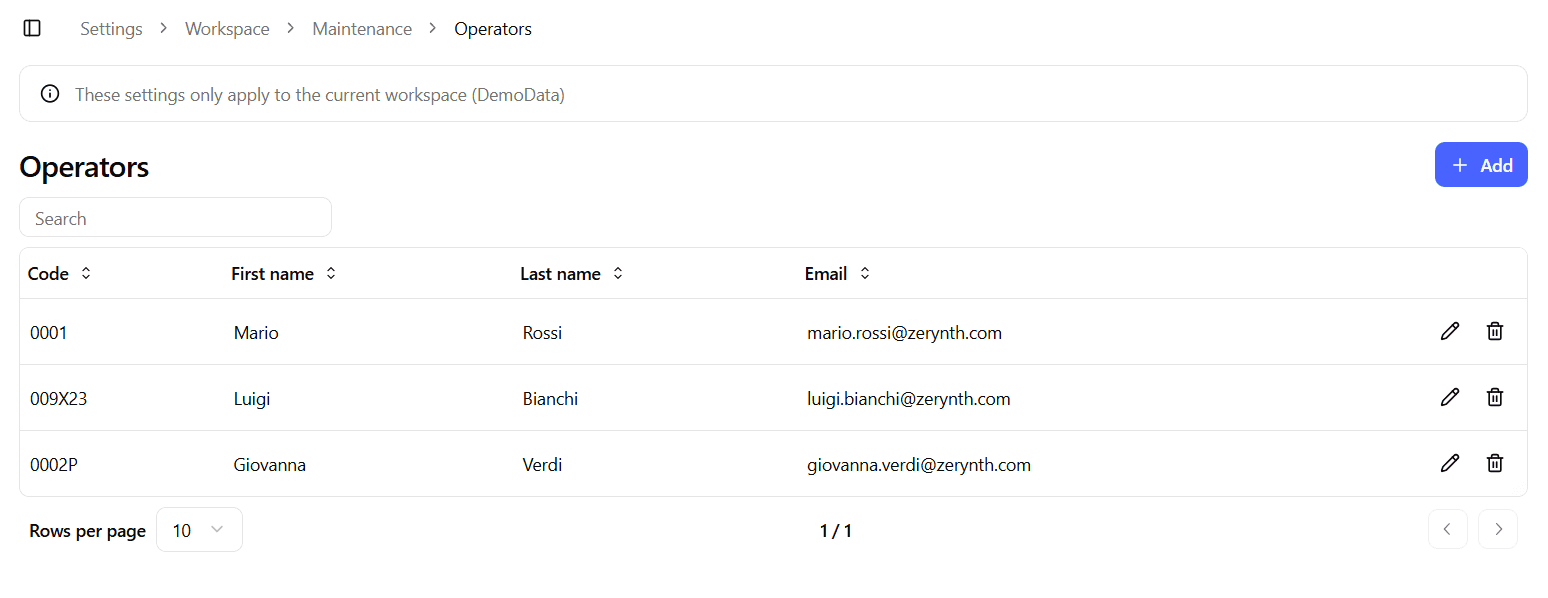
The table includes:
- Code – Unique identifier for the operator
- First name
- Last name
- Actions – Edit and Delete buttons
From this page you can:
- Add a new operator
- Edit an existing operator
- Delete an operator
Create / Edit Operator
The Create and Edit forms share the same layout.
When editing, the form is pre-populated with the operator’s information.
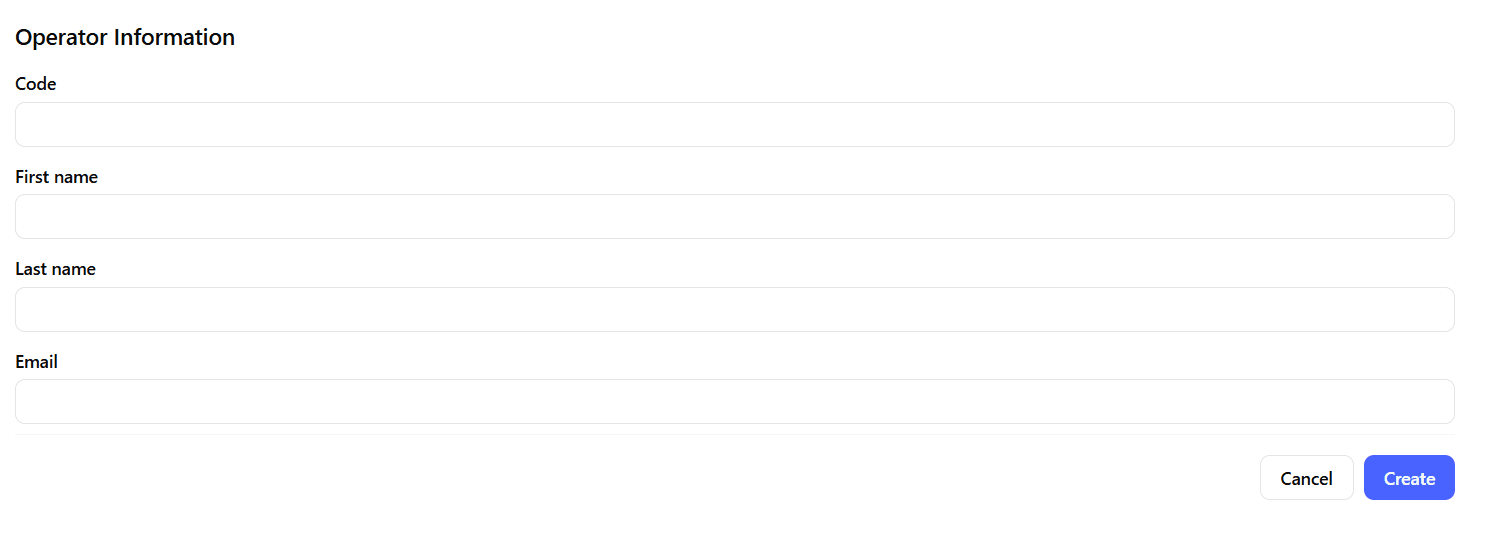
The form includes the following fields:
Code
A unique identifier for the operator.
This code is used to reference the operator in maintenance records and internal workflows.
First Name
The operator’s first name.
Last Name
The operator’s last name.
The operator’s email address.
This field is informational and can be used for identification purposes.
It does not create a platform account and does not grant access to the system.
Usage in Maintenance
Operators are used to:
- Attribute maintenance interventions to a specific individual
- Maintain traceability of maintenance activities
- Support reporting and audit processes
Because operators are not system users:
- They do not log into the platform
- They do not consume user licenses
Best Practices
- Use consistent operator codes aligned with internal HR or maintenance systems.
- Avoid duplicating operators with slight name variations.
- Keep the operator registry updated when staff changes occur.
- Use real, identifiable names to ensure traceability of maintenance interventions.